
License Manager - Self-Hosted License & Update Manager for Your Products
License Manager - Self-Hosted License & Update Manager for Your Products
If you're vibe coding and building products to sell on CodeCanyon, SaaS, or your own scripts, you'll probably find this useful.
Our team has just released License Manager. It's a Laravel-based solution for managing licenses, activating/deactivating licenses, and checking updates for your products. The core is still built on Botble CMS, just like our other products.
Self-hosted, lightweight, and no third-party dependency.
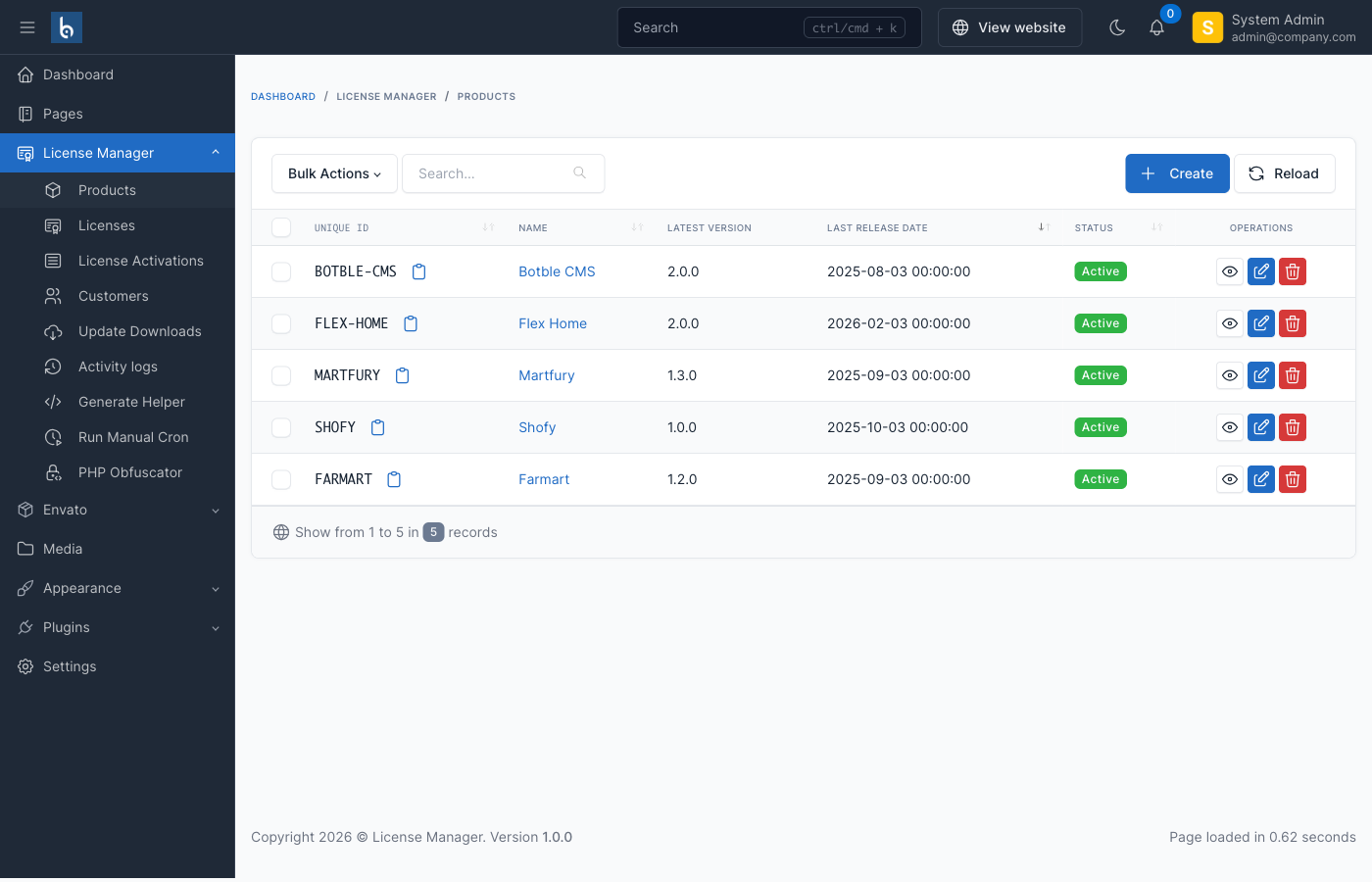
Table of contents [Show]
Why License Manager?
If you've ever sold a script or plugin, you know the pain: tracking who bought what, handling activations across multiple domains, dealing with piracy, and delivering updates. Most developers end up duct-taping together a mix of spreadsheets, manual emails, and hope.
License Manager gives you a single, clean dashboard to handle all of that — on your own server, under your control.
Key Features
License Management
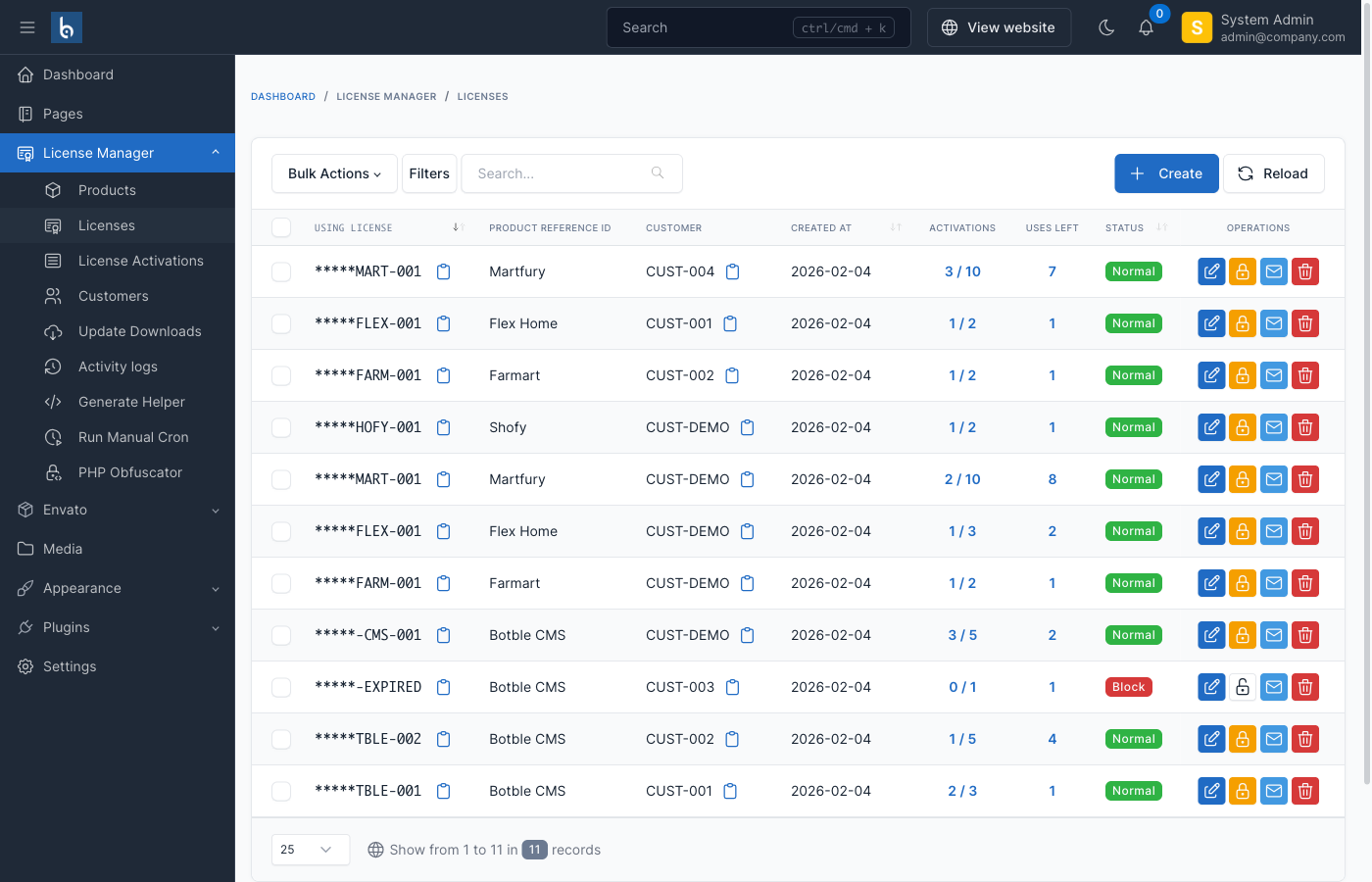
Create and manage licenses with full flexibility:
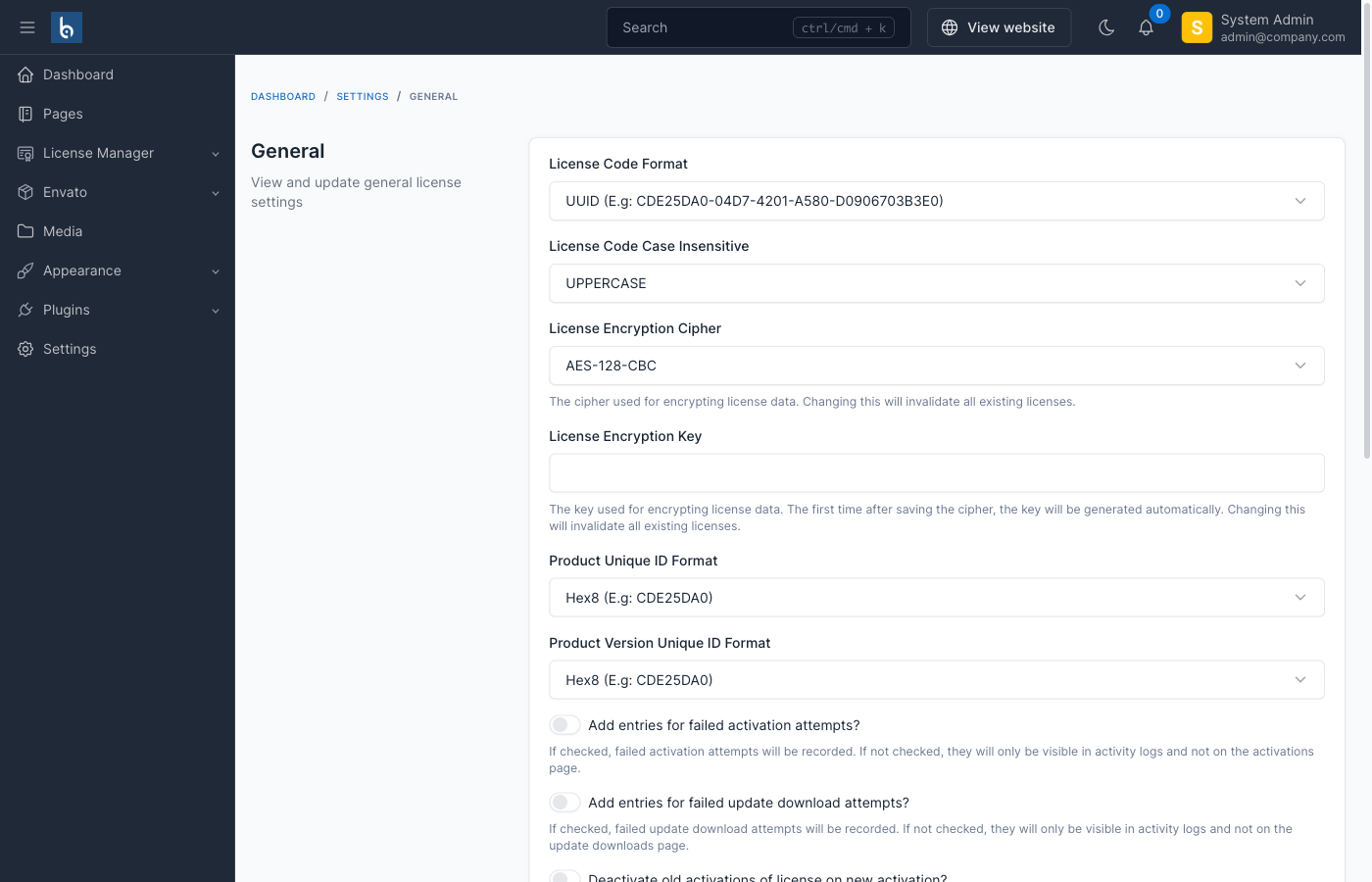
- Multiple license types — perpetual, subscription, trial, or lifetime
- Parallel activation limits — control how many domains can use the same license at once
- Domain & IP whitelisting — restrict licenses to specific domains or IPs, with wildcard support (e.g.
*.example.com) - Automatic expiration handling — set expiry dates for licenses, update support, and support coverage independently
Activation Tracking
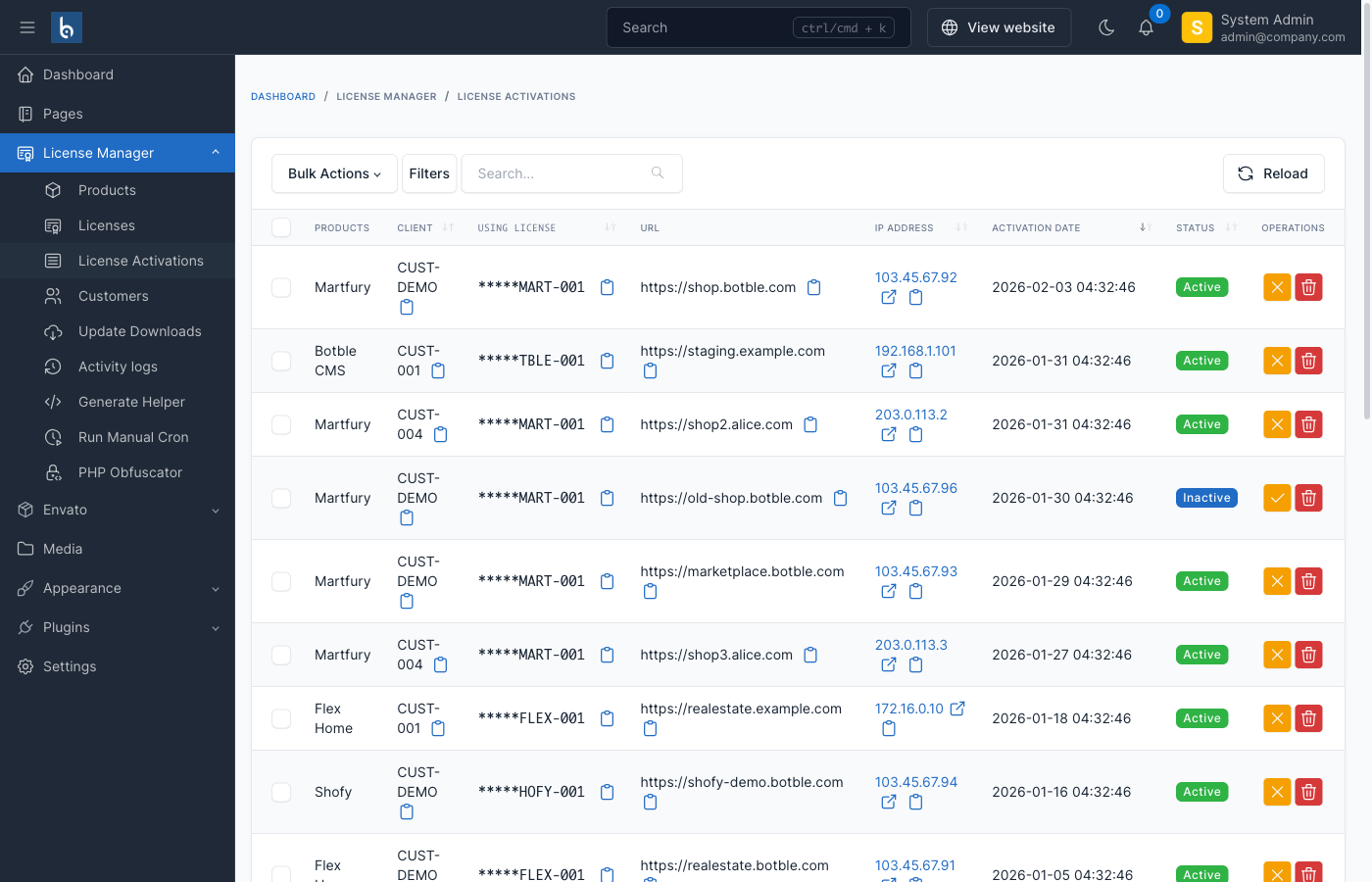
Every activation is logged with full context — domain, IP, timestamp, and user agent. You always know exactly where your licenses are being used.
When the activation limit is reached, the system can either reject the new activation or automatically deactivate the oldest one — your choice.
Product & Version Management
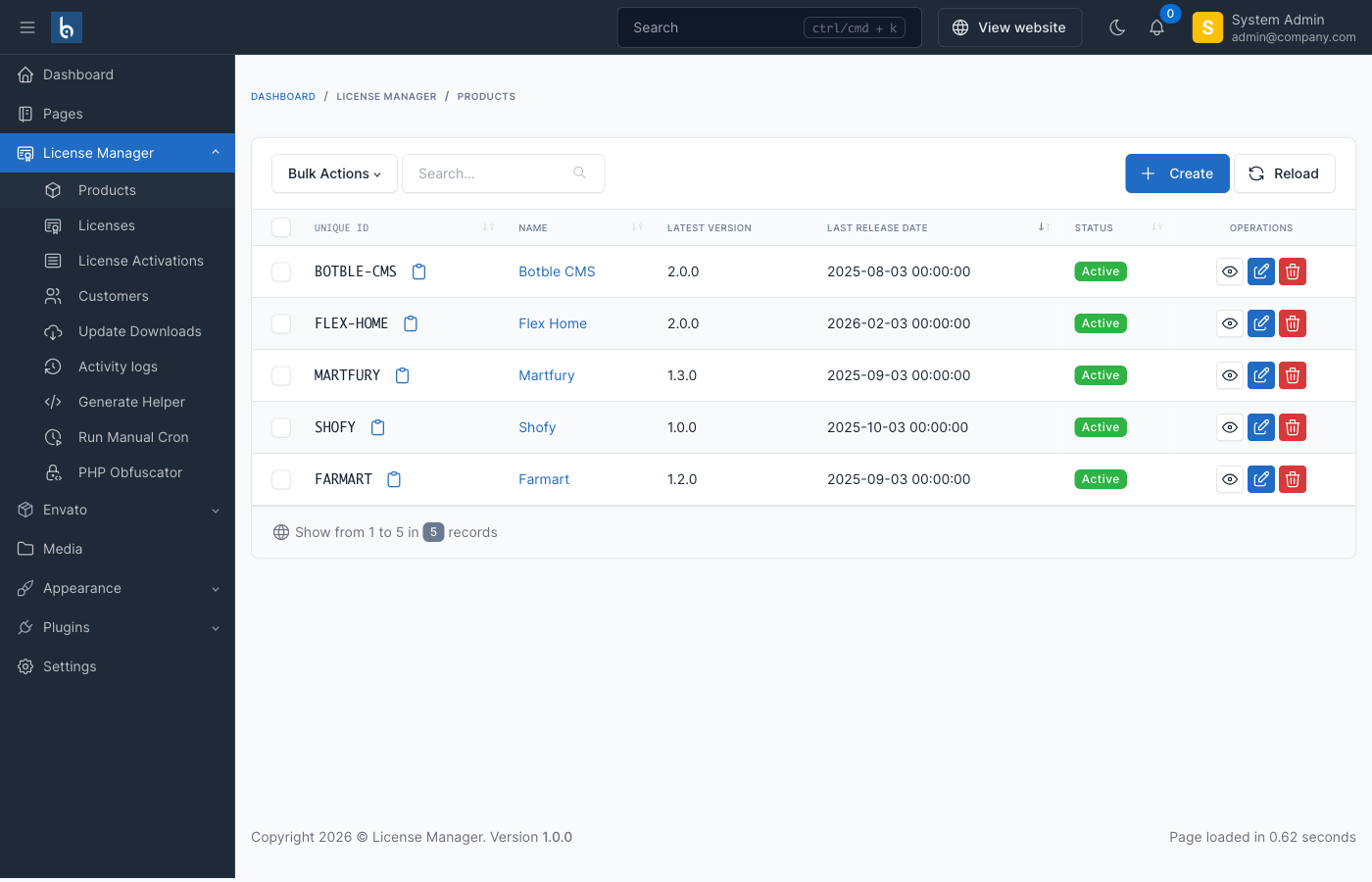
Define your products, manage versions, and deliver updates through the built-in update system. Each version can include:
- Version number and release date
- Summary and HTML changelog
- Downloadable files (main package + optional SQL migrations)
Your customers check for updates via the API, and the system handles the rest.
REST API
A complete REST API powers everything. Two API types are available:
- External API — for your client applications to activate, verify, deactivate licenses, and check for updates
- Internal API — for admin/backend operations like creating products, licenses, and managing activations
Example endpoints:
POST /api/external/license/activate
POST /api/external/license/verify
POST /api/external/license/deactivate
POST /api/external/update/check
Ready-to-use client examples are available for PHP, Laravel, and WordPress on GitHub.
Customer Portal
Your customers get a self-service portal where they can:
- View their licenses and expiration dates
- See active installations
- Deactivate installations they no longer need
- Update their profile and password
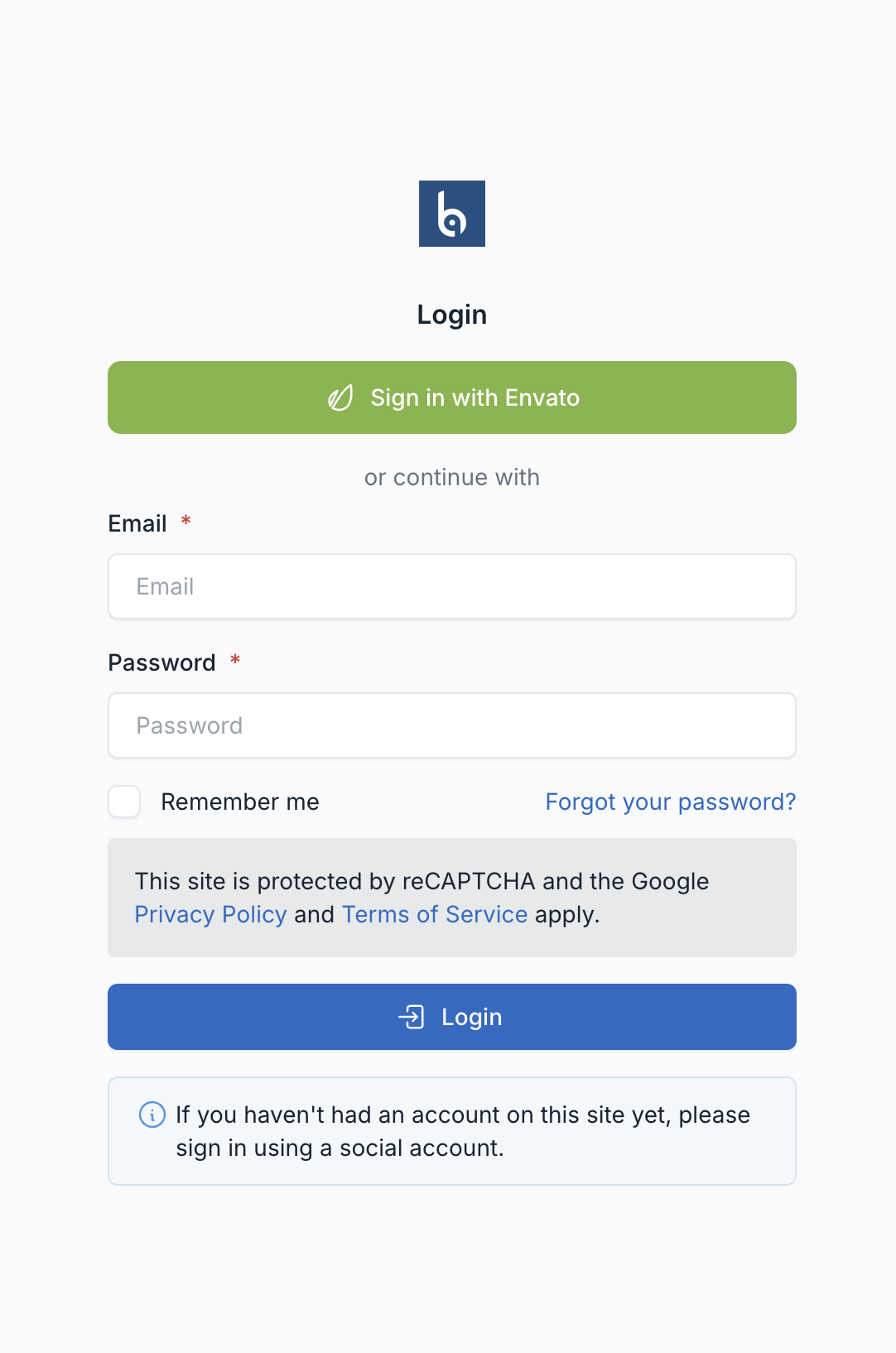
The portal supports social login via Envato, Google, Facebook, and GitHub.
Webhook Notifications
Get notified in real time when important events happen:
license.expiring— a license is about to expirelicense.expired— a license has expiredupdate.expired— update support has ended
All webhook payloads are signed with HMAC-SHA256 for security. You can use these to trigger your own automations — send reminder emails, update your CRM, or sync with other systems.
Envato Integration
If you sell on CodeCanyon/Envato, you can verify Envato purchase codes directly. Customers can log in with their Envato account and the system auto-imports their licenses.
Security
- AES-128/256 encryption for all license data
- Auto-blacklisting — automatically block domains or IPs after too many failed activation attempts
- Rate limiting — configurable per minute, by IP, API key, or both
- Failed attempt logging — track and analyze suspicious activity
How It Works
The workflow is straightforward:
- You create a product and generate licenses in the admin panel
- Your customer enters their license code in your app
- Your app calls the API to activate the license
- On each request, your app verifies the license is still valid
- When updates are available, your app checks the API and downloads them
Here's what activation looks like in PHP:
$client = new LicenseClient($apiKey, $apiUrl, $productId);

// Activate
$result = $client->activate($licenseCode);
if ($result['is_active']) {
    file_put_contents('license.dat', $result['lic_response']);
}

// Verify on each request
$result = $client->verify(file_get_contents('license.dat'));
if (!$result['is_active']) {
    // License invalid — redirect to activation page
}
That's it. Five minutes to integrate.
Demo Playground
Want to try it before buying? We built an interactive API playground where you can test every endpoint without writing a single line of code.
Just open license-app-demo.botble.com, enter your API credentials, and start testing:
- External API — test license activation, verification, and deactivation
- Internal API — explore products, licenses, and admin operations
- Update Manager — check versions and update availability
- Live Responses — see real JSON responses with syntax highlighting
You can also log into the admin panel demo with credentials admin / 12345678 to explore the full dashboard.
Example Integrations
We provide ready-to-use client code for the most popular platforms. All examples are available on GitHub.
PHP
A standalone cURL client that works with any PHP application — no framework required.
$client = new LicenseClient(
    apiKey: 'your-api-key',
    baseUrl: 'https://your-license-manager.com',
    productId: 'PROD-001'
);

// Activate a license
$result = $client->activate('LICENSE-CODE-HERE');

if ($result['is_active']) {
    file_put_contents('license.dat', $result['lic_response']);
    echo 'License activated!';
}

// Verify license on each request
$licenseData = file_get_contents('license.dat');
$result = $client->verify($licenseData);

if (!$result['is_active']) {
    // License is no longer valid
    unlink('license.dat');
    header('Location: /activate.php');
    exit;
}

// Deactivate when needed
$client->deactivate(file_get_contents('license.dat'));
unlink('license.dat');
Laravel
A full package with service provider, middleware, and Artisan commands. Install it, publish the config, and you're done.
// config/license.php
return [
    'api_key'    => env('LICENSE_API_KEY'),
    'api_url'    => env('LICENSE_API_URL'),
    'product_id' => env('LICENSE_PRODUCT_ID'),
];
Protect routes with the VerifyLicense middleware:
Route::middleware('verify-license')->group(function () {
    Route::get('/dashboard', [DashboardController::class, 'index']);
});
Manage licenses from the terminal:
php artisan license:activate LICENSE-CODE-HERE
php artisan license:verify
php artisan license:deactivate
WordPress
A plugin with admin settings page, one-click activation/deactivation, automatic update integration via the WordPress updates API, and scheduled verification through WP-Cron.
// Check license status anywhere in your WordPress plugin/theme
if (is_license_active()) {
    // Licensed features
} else {
    // Show activation prompt
}
The WordPress plugin hooks into the native update system, so your customers see updates right in their WordPress dashboard — just like any other plugin.
Check out the full examples and documentation:
If you're currently using the original LicenseBox, License Manager includes a built-in migration tool. It imports your products, licenses, activations, and versions automatically — and the legacy API endpoints keep working so your existing customers don't need to change anything.
Technical Requirements
| Requirement | Version |
|---|---|
| PHP | 8.2+ |
| MySQL | 5.7+ or MariaDB 10.2+ |
| Laravel | 12 |
| Composer | 2.x |
Links
- Purchase: License Manager on CodeCanyon
- Documentation: docs.botble.com/license-manager
- Live Demo: license-manager.botble.com (admin / 12345678)
- API Playground: license-app-demo.botble.com
- Integration Examples: github.com/botble/license-manager-examples
- Support: botble.ticksy.com
If you're tired of managing licenses manually, feel free to check it out.
Leave a comment
Your email address will not be published. Required fields are marked *
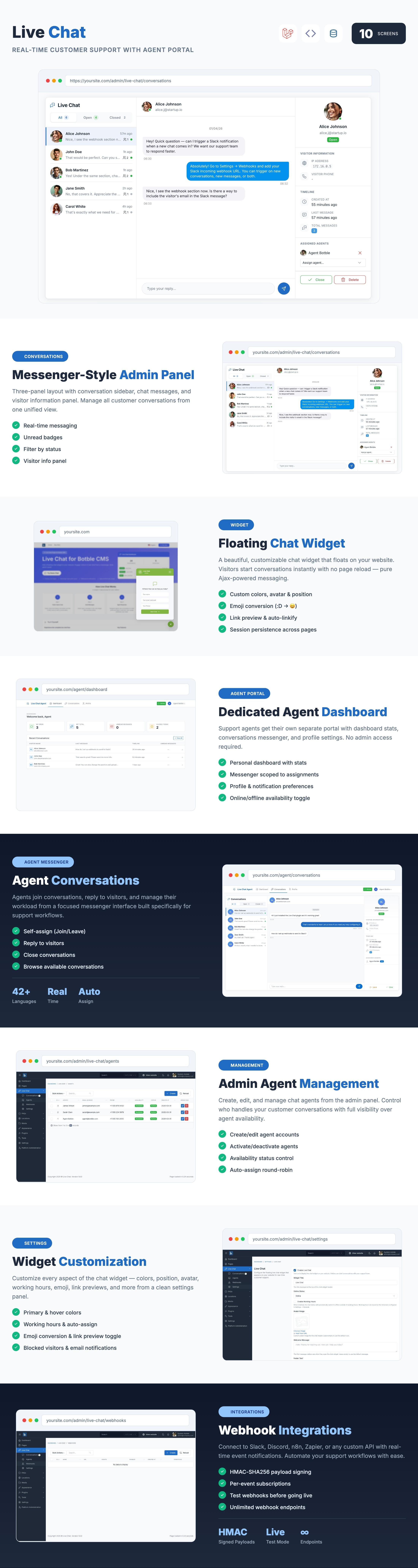
Live Chat - Floating Ajax Live Chat with Agent Portal for Botble CMS
A real-time chat plugin for Botble CMS with a floating widget, dedicated Agent Portal, auto-assign round-robin, webhook...
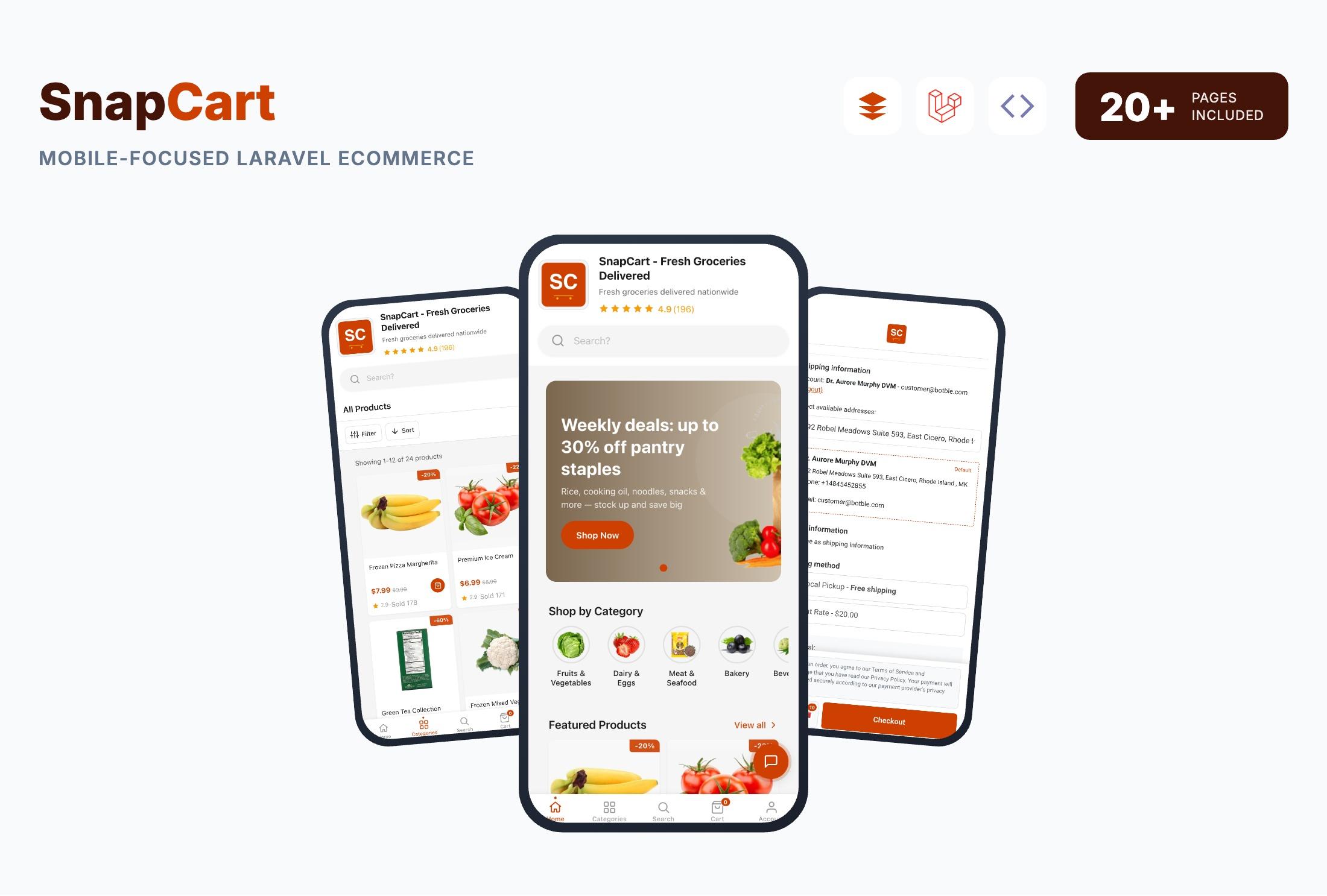
SnapCart - Mobile-Focused Laravel eCommerce System for Fast Checkout Experiences
Build your mobile-first online store with SnapCart — a touch-friendly Laravel eCommerce system featuring one-page checko...